
Interactive Videos
Pause the process.
Let the thinking move.
Turn an explanation into a sequence of predictions, close observations and decisions. Learners pause where the idea changes, respond, and carry it into a new situation.
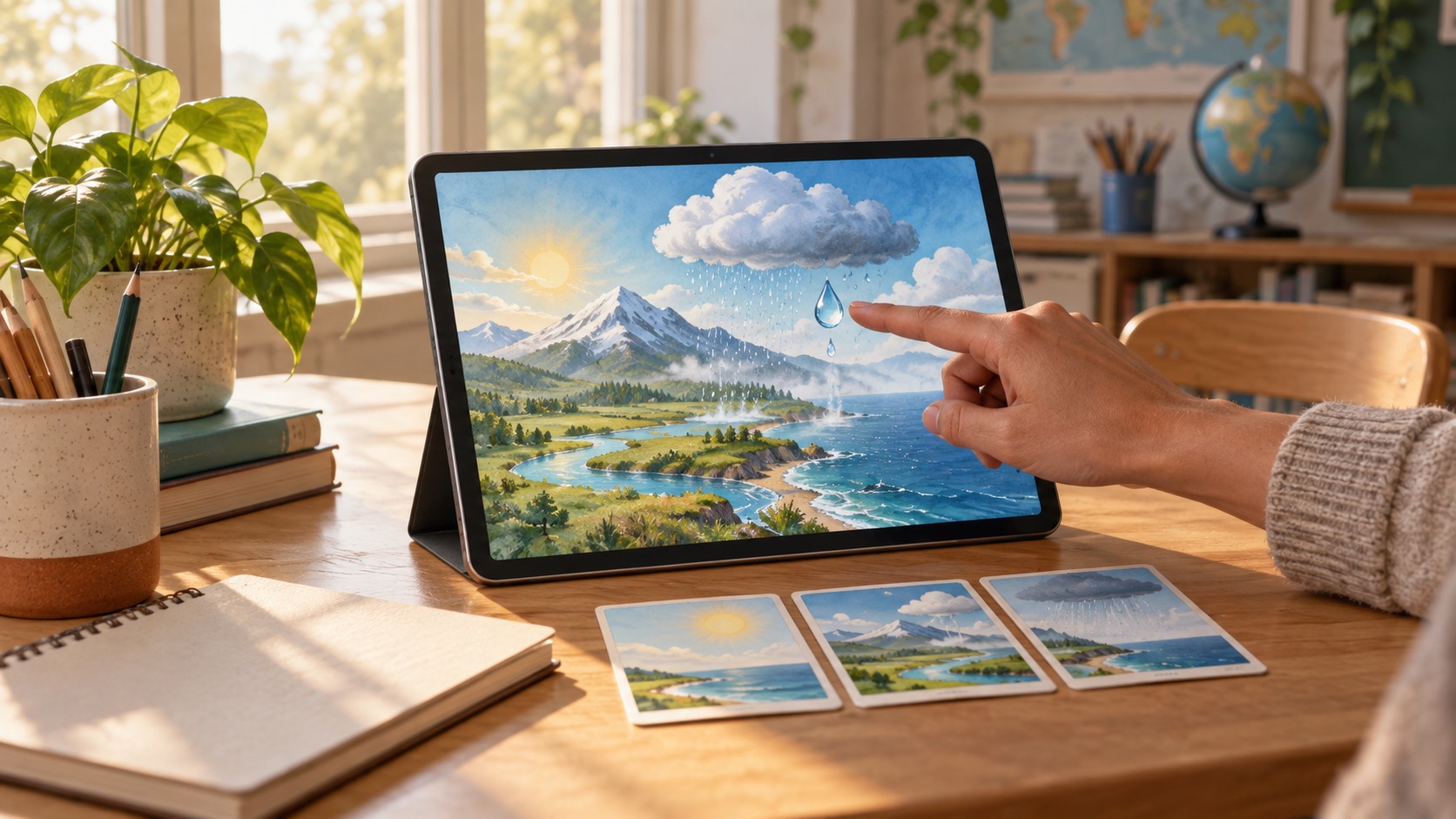
Pause where reasoning matters.
A pause earns its place by asking learners to predict, notice a change or explain a cause before the video continues.
Make watching active.
Responses shape what learners attend to. Replay, captions and still frames support close observation without replacing the question.
Leave the video behind.
A fresh case after the final frame shows whether the learner can use the idea beyond the example they just watched.
FROM OBJECTIVE TO EXPERIENCE
Different subjects.
Purposeful possibilities.
Start with what learners should understand. Shape the experience around the thinking you want to see.
Where Did the Puddle Go?
Pause a day-long time-lapse to predict when evaporation will speed up, then compare sunlight, wind and surface area.
Explain evaporation using observations, then predict what changes for a puddle in shade.
A Speech Changes Course
Stop before three turning points in a public address, read the source context and choose which claim the next passage supports.
Connect claims to evidence and explain how audience and context affect interpretation.
Measure Before You Mix
Predict the next quantity as a drink recipe scales, reveal the measuring step and explain why both ingredients must change together.
Maintain a ratio across a new batch size and justify the calculation.
INSIDE A LEARNING MOMENT
Follow one drop through the water cycle.
A short landscape sequence makes changes of state visible while each pause asks for a different kind of reasoning.
What makes water move from one place and state to another?
Predict before the sun appears
Study the opening landscape and predict which water will change first. Give a reason connected to heat or exposure.
Watch for a change of state
Advance to the warmed surface, pause on a clear frame and explain what can and cannot be seen as liquid becomes vapour.
Trace the returning water
Use captions or the transcript to follow cooling, condensation and rain. Revise the first explanation if the sequence changes your thinking.
Apply it to a cold glass
Decide where droplets on the outside of a cold glass came from and explain the answer without replaying the worked sequence.
The teacher can compare prediction, revision and fresh explanation to decide whether to extend the cycle or revisit a change of state.
MAKE THINKING VISIBLE
Notice the reasoning.
Choose what comes next.
Use the response, the process, and the help involved to decide what a learner needs next. Educator judgment stays central.
A prediction with a reason
The response before playback reveals the learner's starting model rather than an answer copied from the narration.
Observation and revision
Pause responses show what the learner noticed, what changed in the explanation and which replays or prompts supported it.
A new-case explanation
Reasoning about a cold glass gives the teacher evidence of application beyond the video's landscape example.
EDUCATOR CONTROL
Your objective.
Your teaching decisions.
Create, adapt, review, and assign with the learning conditions in view.
Choose every purposeful pause
Set the objective, prompt and expected evidence for each stop; remove pauses that only check attention or completion.
Review the sequence and sources
Inspect narration, images, claims and timing before use. Keep source and version details with the reviewed video.
Open more ways to follow
Provide accurate captions, a transcript, audio description, keyboard controls and still-frame time without changing the learning demand.
Set replay and assistance rules
Choose where replay, vocabulary help or hints are available, and keep that support visible beside the learner's response.
Interactive Videos
Give every pause a purpose.
See what learners carry forward.