
Teach-Back Studio
Their ideas.
Made visible.
Draw an explanation. Build a small model. Tell someone why it works. Teach-Back Studio connects what learners create with the ideas, revisions and support behind it.
 LET THE LEARNER DO THE EXPLAINING
An explanation.
In their own words.
Create to explain an idea.
A diagram, story or model has a learning purpose. The reasoning matters as much as the finished work.
Make the support visible.
Keep sentence starters, feedback and AI assistance alongside the learner's own choices and revisions.
Ask one more question.
An oral explanation or fresh application helps the teacher see what the learner understands beyond the polished artifact.
IDEAS TO STEP INTO
Different things to make.
Thinking you can discuss.
Explore three creation designs, including a physical and spoken route that needs no screen or photo upload.
 01
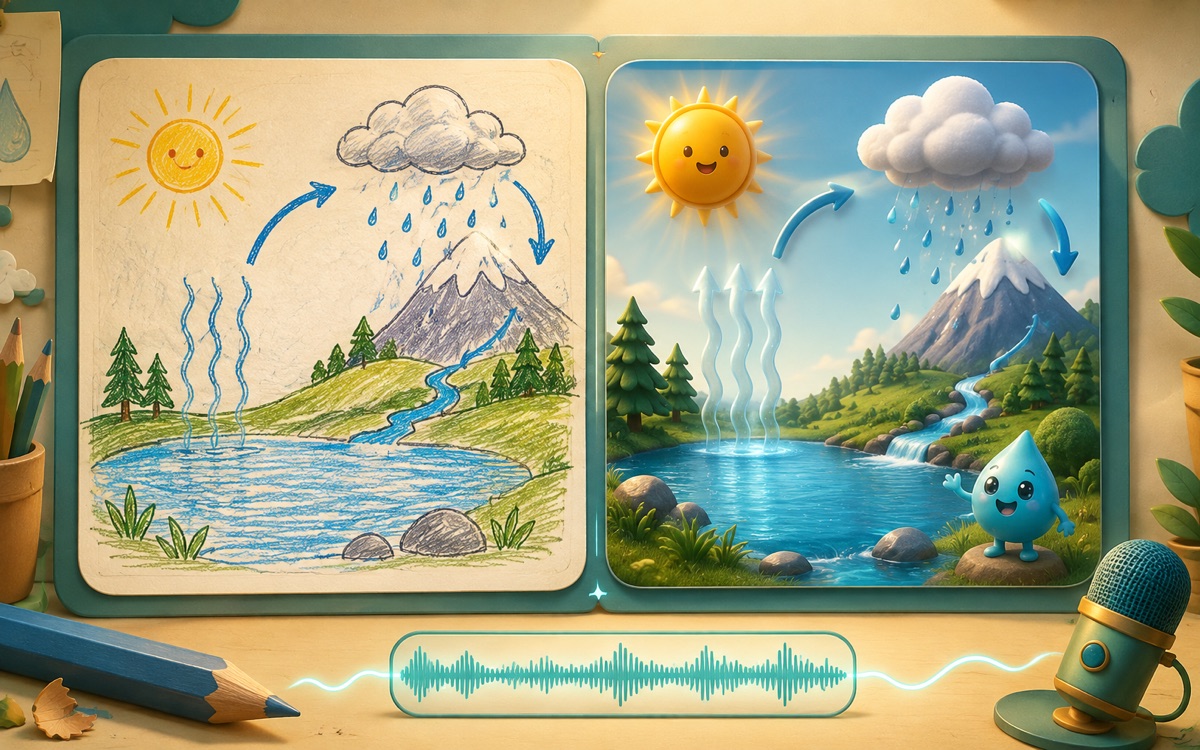
01Explain It to a Raindrop
Create and edit a condensation diagram in 10–15 minutes. Write or explain aloud without recording, preview your own connections, review questions, and revise or keep your explanation with a reason. Finish with a cold-glass question, then print your work or download JSON evidence.
Connect a diagram to an explanation of condensation, reflect on revisions, and apply the idea to droplets outside a cold glass.
 02
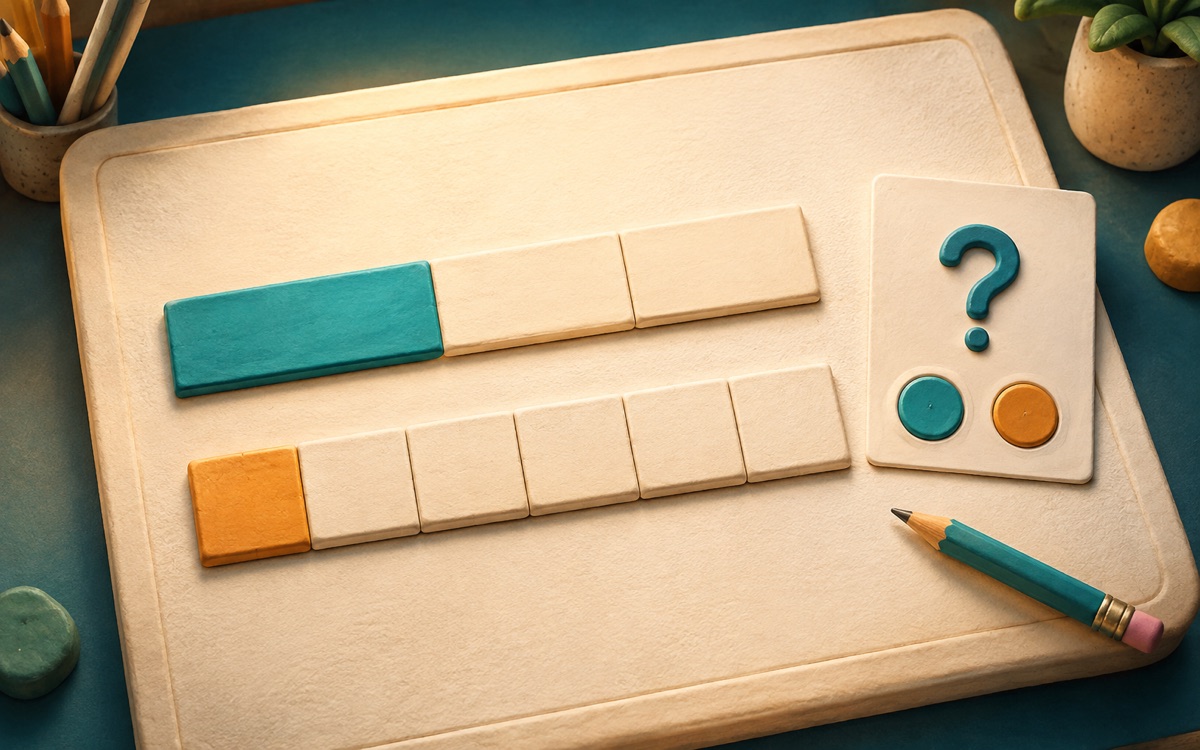
02Make the Mistake
Create a tempting wrong answer about fractions. Build a bar-model counterexample, explain why it works and revise it after someone tests the reasoning.
Explain why a plausible strategy fails using a counterexample.
 03
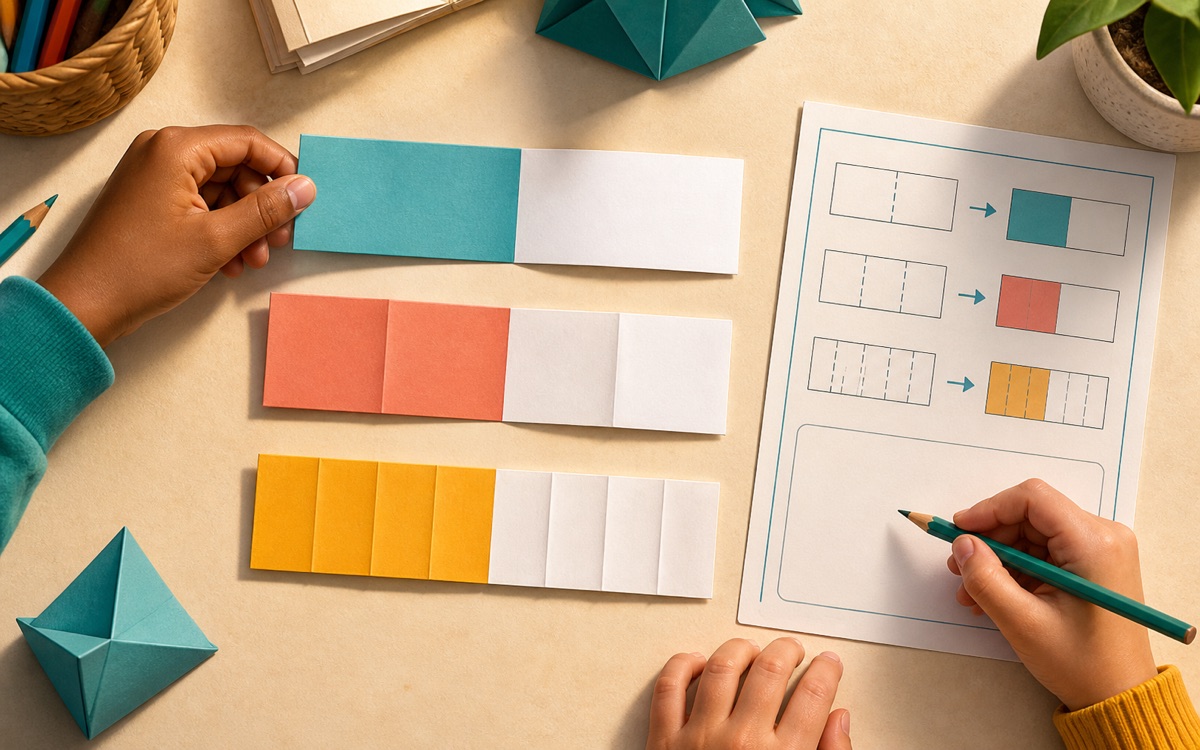
03Fold, Prove, Share
A physical and oral creation route: fold equal paper strips, mark equivalent amounts and explain them to a partner. A teacher can record the reasoning.
Create and justify equivalent fractions without requiring a digital artifact.
Illustrative experience concepts. Open each learning design for its objective, evidence and available demo.
INSIDE A LEARNING MOMENT
From a first draft.To an explanation they own.
This guided illustration follows a water-cycle explanation through feedback and revision, then asks a new question about condensation.
- 1Make the first explanation
Connect liquid water with water vapour in a draft diagram. Record the learner's words and any labels or sentence starters provided.
- 2Use feedback to revise
Distinguish evaporation from condensation into liquid droplets. Revise the diagram and explain what changed, keeping the support visible.
- 3Explain a new situation
Why do droplets form outside a cold glass? Ask where the water came from without supplying an answer, then review the learner's explanation.
“Clouds are made of water vapour.”
Feedback: water vapour is invisible. What happens when moist air cools? Revise the explanation in your own words.
Guided illustration · Responses stay on this page
MAKE UNDERSTANDING VISIBLE
Keep the making.
Hear the reasoning.
A polished product is one part of the picture. Connect it with the process and an explanation the learner can give.
The draft and the decisions
Early diagrams, chosen examples and process checkpoints show how the learner approached the objective.
The revision and its source
Keep feedback and disclosed assistance with each meaningful change, so support is not mistaken for independent work.
The learner's explanation
An oral response or new application helps the teacher judge the idea behind the artifact and plan what comes next.
A useful next step comes from the objective, the evidence and the support used. A finished activity alone does not establish mastery.
EDUCATOR-CONTROLLED
Give creation a purpose.
Keep ownership with the learner.
Set the task and the boundaries, then make room for learners to express an idea in a suitable form.
Explore Curiendo StudioDefine the objective and rubric
Make accuracy, reasoning and the intended audience clear before learners begin creating.
Choose tools and assistance
Set the permitted tools and AI support. Generated additions stay Draft for review; assistance remains disclosed.
Review the process and explanation
Look at checkpoints and revisions, then ask the learner to explain a choice or apply the idea in a new case.
Keep work private by default
Class sharing follows teacher policy and moderation. Wider sharing needs separate permission, rights checks and removal of identifying details.
TURN CURRICULUM INTO EXPERIENCES
Give learners something to say.Let them show you why.
See the full experience collectionThe one-minute film: visual story
Start with their idea
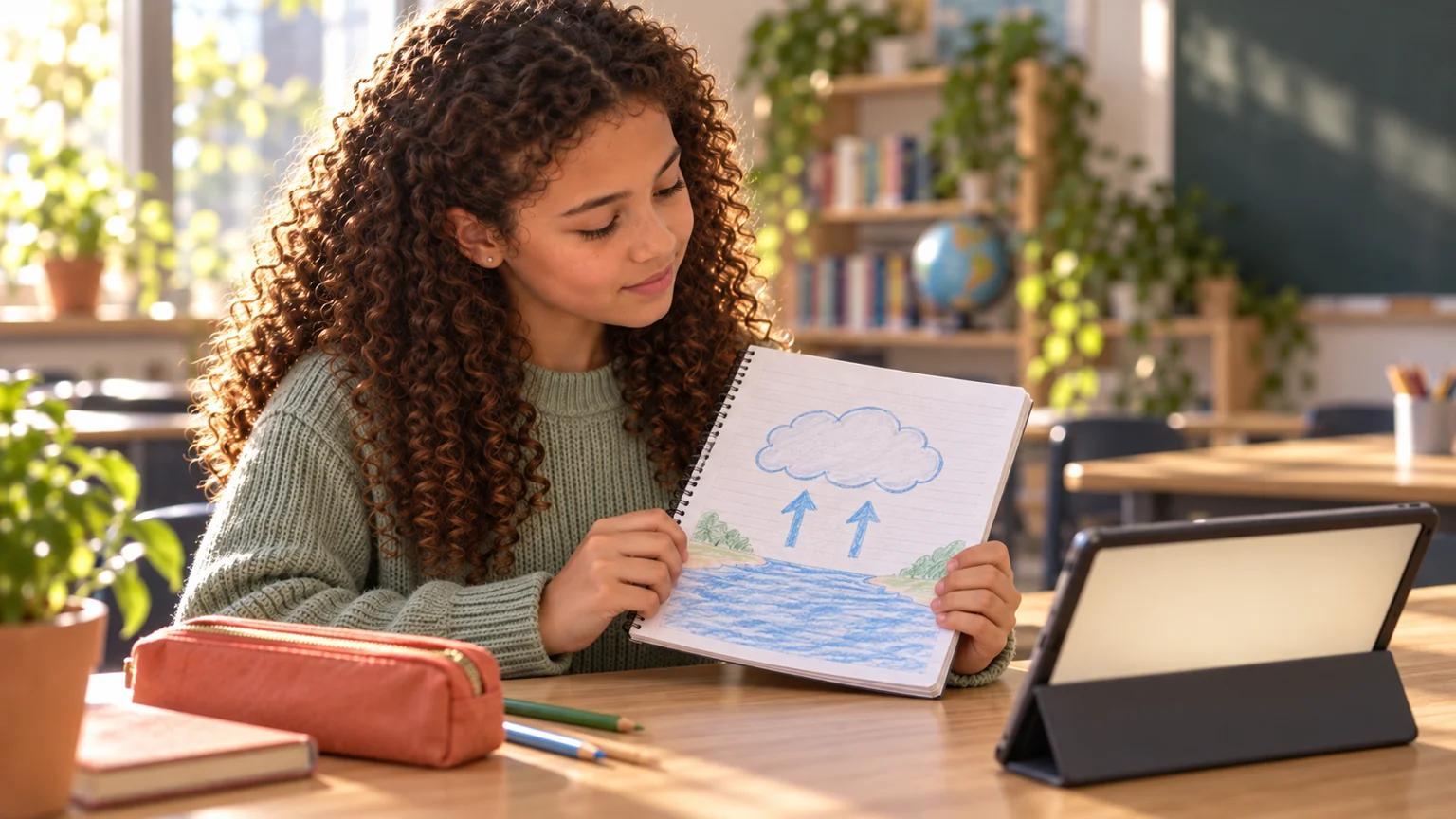
A learner draws a cloud and water, then considers her own work beside a tablet. The drawing is her first explanation.
Give creation a purpose
The assignment is to explain condensation. Own words, a permitted word bank and private-draft status appear. The teacher reviews the work.
Feedback asks a question
‘Clouds are water vapour’ is explicitly a draft needing revision. Feedback says water vapour is invisible and asks what changes when it cools.
Revise for a reason
The learner revises her drawing. The diagram shows water vapour condensing into liquid droplets when moist air cools sufficiently. It explains that clouds contain droplets or ice crystals and discloses the word-bank support.
Explain a fresh situation
Learners inspect droplets outside a cold glass. A new question asks where the water came from. The response points to surrounding air, not water passing through the glass.
Look behind the artifact
The teacher sees the original draft, revision and support together. The assistant suggests asking the learner to explain without labels. The teacher chooses the next step.
Their ideas, made visible
Teacher and learners consider the drawing together before the Curiendo Platform closing message. The learner's work remains private. There is no speech, only instrumental music.
Generated fictional classroom scenes and original instrumental music. Product screens illustrate the intended learning workflow. There is no speech.